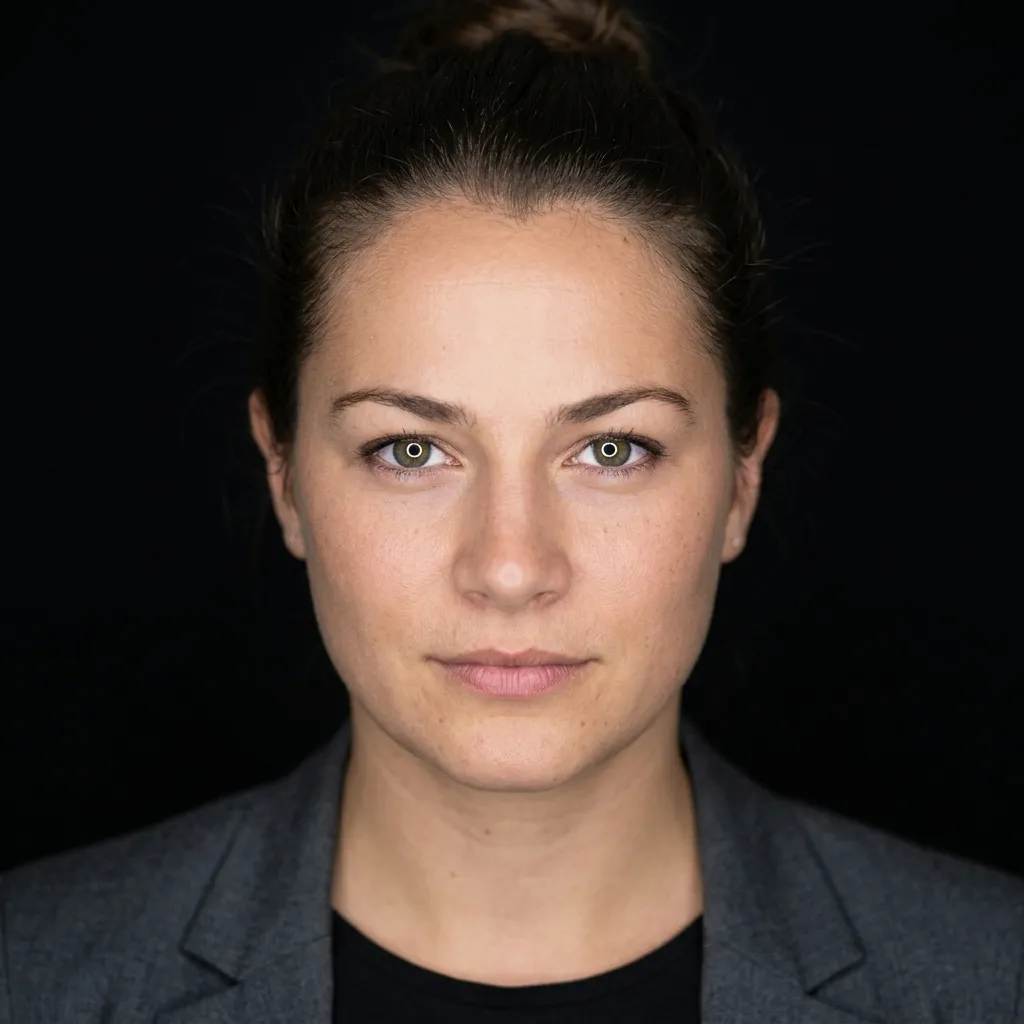
A LinkedIn headshot that doesn’t look like a Zoom screenshot.
Your profile is the first thing recruiters, prospects, and hiring managers see. Replace the cropped wedding photo with something that looks like a real headshot — without booking a photographer.
Recommended style for this use case: LinkedIn

Built for your LinkedIn profile.
Tuned for the platform
Square crop, neutral background, professional attire. Reads well at the 240×240 size LinkedIn actually displays it at.
Doesn’t look AI
No glassy skin, no extra fingers, no uncanny stare. The result looks like a real photo, not a render.
Fast enough to redo it
30 seconds per generation. If the first take isn’t right, change a style or upload a different selfie and try again — still under a dollar.
Frequently asked.
Yes. LinkedIn doesn’t ban AI-generated profile photos and the result is yours to use however you want. The output is a square JPG you can upload directly.
Whatever you want the headshot to look like. The AI keeps your outfit, hair, and glasses from the selfie — so a collared shirt in the selfie becomes a collared shirt in the headshot. If you want a suit, take the selfie in a suit.
Probably not, if you pick a natural-looking variation and a style that matches your industry. The whole point of the LinkedIn style is that it looks like a normal portrait, not a render.