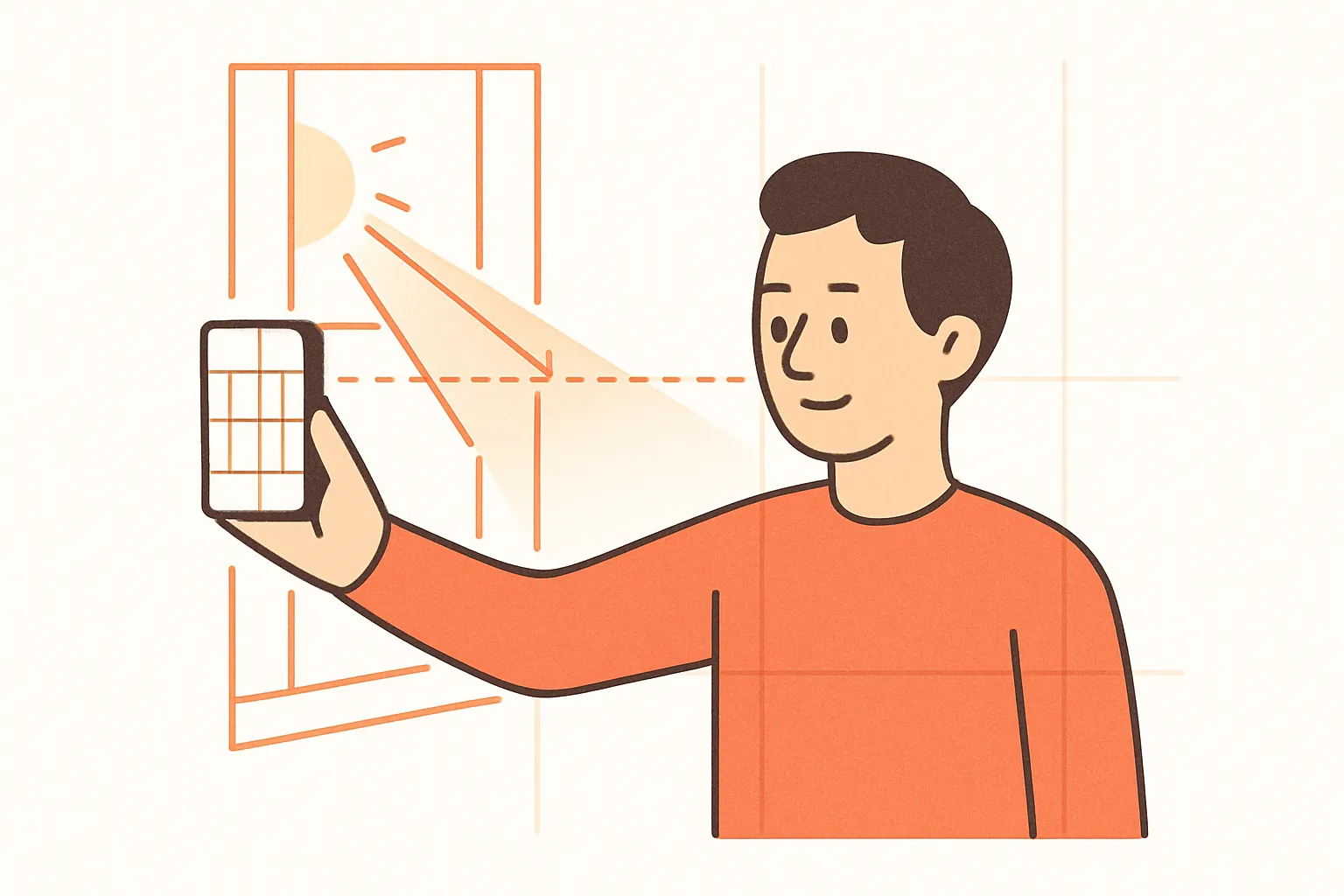
Most of what makes an AI headshot look good — or look obviously fake — is decided before you even open GloSnap. The selfie is the input. The model can re-light, re-frame, and replace the background, but it can’t fix a face that wasn’t really visible in the first place.
This is the short version of what to do.
The five things that matter most
1. Face the light, don’t sit with your back to it
The single biggest mistake: standing in front of a window with the sun behind you. The model sees a silhouette and the result looks washed out or weirdly lit.
Turn around. Face the window. Soft daylight hitting your face from slightly above and to the side is ideal — that’s what professional portrait photographers spend a lot of equipment trying to fake.
2. Hold the phone at eye level
Phones held below your chin make you look short and double-chinned. Phones held above your head make you look childlike. Phones at eye level look like a normal photo.
If you’re using the front camera, hold the phone slightly above eye level — that’s how to mimic the angle a real photographer would shoot from.
3. Don’t shoot from too close
Selfies taken at full arm’s length distort your face — your nose looks bigger, your ears look smaller. The further away the camera is, the more your face looks like it actually does.
Use the back camera if you can (with a friend or a tripod), or use the front camera but crop in slightly afterwards rather than holding the phone at half arm’s length.
4. Wear what you want the headshot to wear
The AI keeps your outfit. If you’re in a t-shirt in the selfie, you’ll be in a t-shirt in the headshot. If you want a suit, take the selfie in a suit. If you want a collared shirt, wear a collared shirt.
This is the part most people skip and then ask “why didn’t it put me in a suit?“
5. Look at the camera, neutral expression
Big toothy grins look great in real photos and weirder in AI ones — the model sometimes overdoes the teeth. A small, closed-mouth smile or a neutral expression with relaxed eyes tends to produce the most natural-looking output.
Look directly at the lens, not at your own face on the screen.
Things that don’t matter as much as people think
- Background. The AI replaces it. Take the selfie against any wall.
- Camera quality. Modern phones are fine. The model isn’t using the megapixels.
- Hair perfection. The AI preserves your hair from the selfie, but it’s also fine with hair that’s a bit messy.
Things that will sabotage the result
- Sunglasses. The model can’t see your eyes and the headshot will look off.
- Hats with brims. Same problem — they cast shadow over half your face.
- Heavy filters or beauty mode. Already-AI’d input fed into more AI compounds the artifacts.
- Photos with someone else half-cropped in. Shoot solo.
- Photos taken in dim rooms. No amount of model upgrade fixes “the input was dark”.
A 30-second checklist before you upload
- Stand facing a window or a bright wall.
- Phone at eye level, slightly higher.
- Back camera if possible, or front camera with the lens far enough that your face fills less than half the frame.
- Wearing the outfit you want.
- Neutral or small closed-mouth smile, eyes on the lens.
- Take three shots, pick the one where you look the most relaxed.
That’s it. If the selfie is good, the headshot will be too — and at $1 a try, it costs almost nothing to upload one and try a different one if the first didn’t land.